Rebuild detail at 4×, on your own Mac
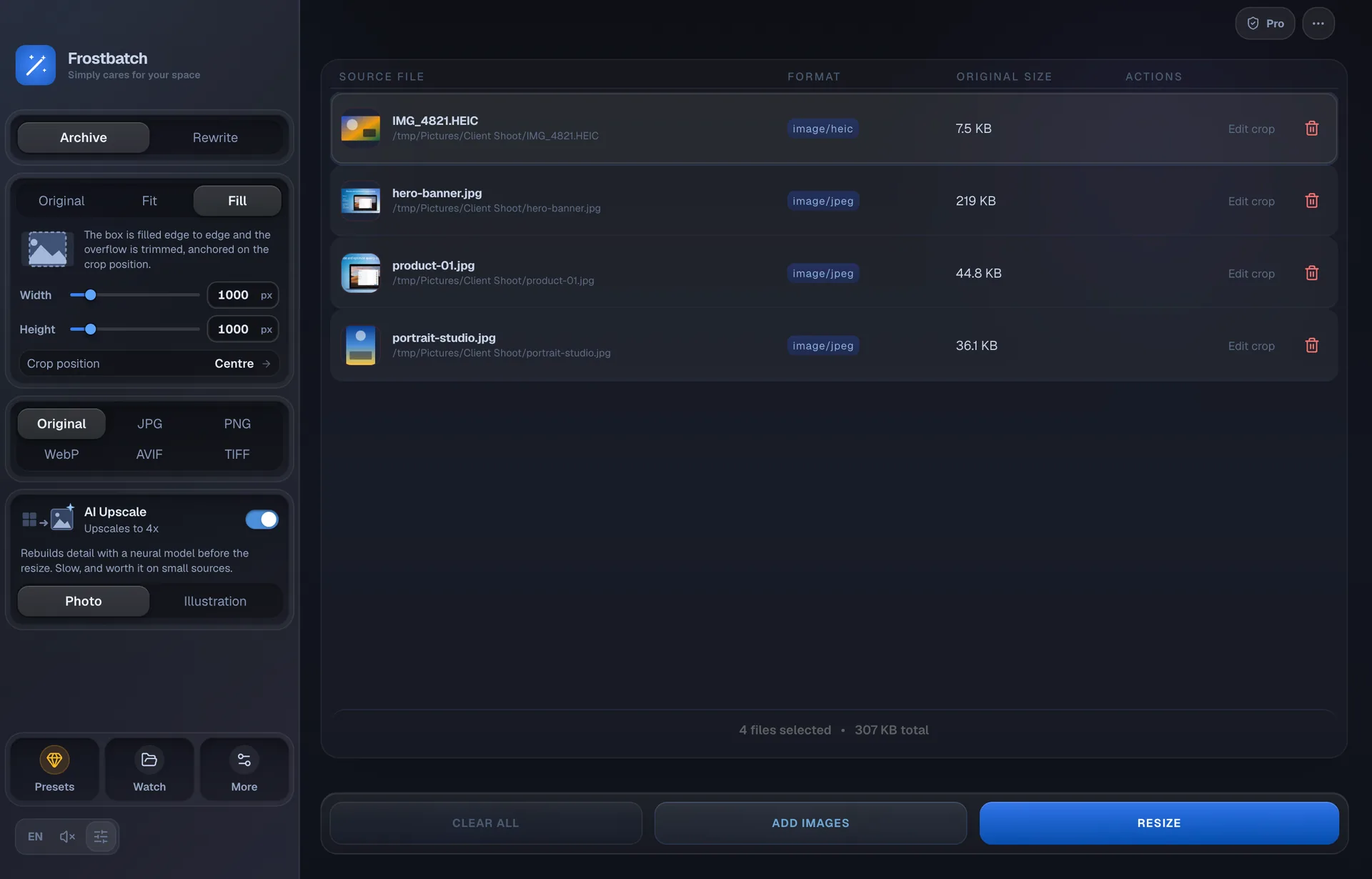
Scaling a small image up the ordinary way stretches the pixels it already has. Real-ESRGAN reconstructs the detail that a larger version would have had. Frostbatch runs it locally, as a step before the resize, so it applies to the whole batch.
Photographs and flat art need different things
The same network trained on different material. Picking the wrong one is the most common way to get a disappointing result.
Photo
For camera and phone images. Reconstructs skin, fabric, foliage and other continuous texture. This is the default.
Illustration
For flat art, line work, logos and screenshots. Keeps edges clean instead of inventing texture in areas that should stay flat.
Where it goes in the pipeline
Upscaling runs before the resize, which is the useful order. A 400px logo that needs to be 1200px has nothing to work with if you scale it directly; run it through the model first and the resize has a 1600px source to come down from.
That also means the scale factor and your target size are separate decisions. The model always works at 4×. What you do with the result is whatever the size card says.
When it is worth the wait
It is much slower than a plain resize, so it is worth being deliberate:
- Worth it — small sources that need to get bigger. Old assets, logos recovered at the wrong size, thumbnails that have to serve as hero images, scans.
- Not worth it — a 4000px original you are shrinking. There is nothing to reconstruct; you are paying for a neural network to regenerate detail you are about to throw away.
It stays on your machine
The model is bundled in the app. There is no API call, no upload and no account, and it works with the network off. Upscaling uses the GPU where there is one and falls back to the CPU otherwise.
| Model | Real-ESRGAN |
|---|---|
| Scale | 4× (fixed) |
| Variants | Photo, Illustration |
| Runs on | Your Mac's GPU, falling back to CPU |
| Network | Not required — the model ships with the app |
| Order | Before the resize, so the resize has more to work with |
Upscaling questions
Does AI upscaling need an internet connection?
No. The model ships inside the app and runs on your Mac, so upscaling works with the Wi-Fi off. Nothing is uploaded and there is no API to call.
What scale factor does it use?
Four times, in one step. If you want a different final size, upscale at 4x and then set the width you actually need — the resize runs after the upscale, in the same pass.
Which model should I choose?
Photo for anything from a camera or a phone. Illustration for flat art, line work, logos and screenshots, where the Photo model tends to invent texture that was never there.
Why is it so much slower than a normal resize?
A plain resize is arithmetic on pixels. Upscaling runs a neural network over every tile of every image, which is orders of magnitude more work. It earns that time on small sources and wastes it on large ones.
Keep reading
Make the small ones usable again
AI upscaling is included in the five-day trial. Then $9.99 once.